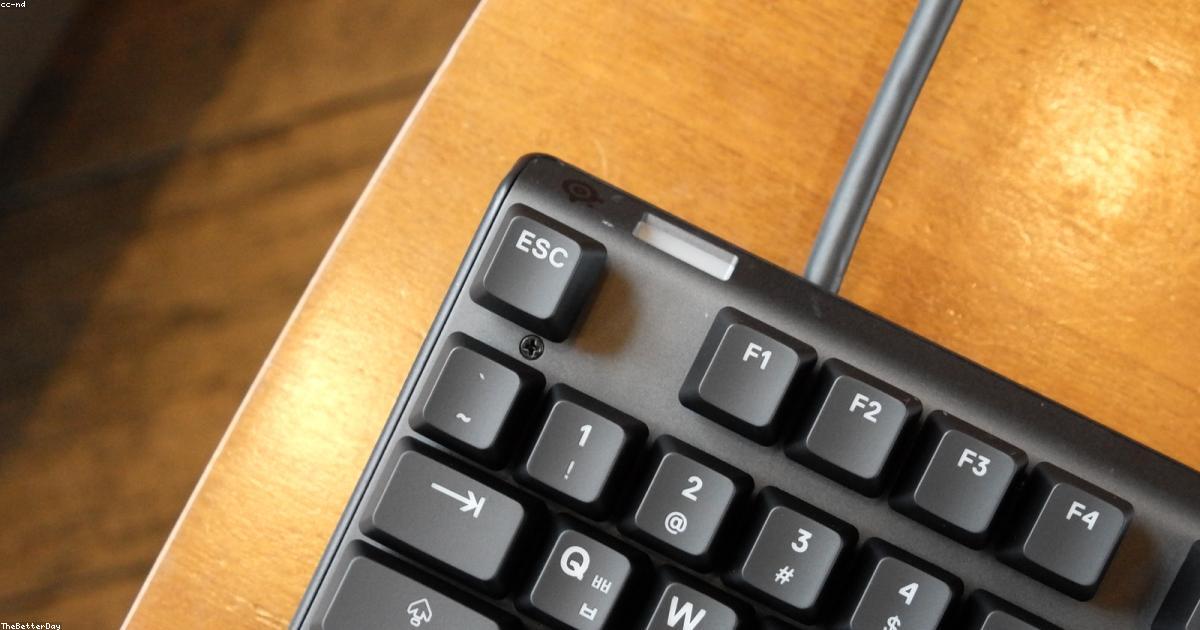
Can you use a gaming keyboard for work? Can an office keyboard handle gaming? The answer to both is yes — but with trade-offs. This guide explains the real differences between gaming keyboards and office keyboards so you can choose the right tool for your needs.
Gaming Keyboard vs Office Keyboard — Feature Comparison
| Feature | Gaming Keyboard | Office Keyboard |
|---|---|---|
| Switch type | Mechanical (usually) | Membrane or scissor |
| Anti-ghosting | N-key rollover standard | Usually 6-key rollover |
| Polling rate | 1000Hz (1ms) | 125Hz (8ms) |
| RGB lighting | Full per-key RGB | None or minimal |
| Macro keys | Often included | Rarely included |
| Noise | Moderate to loud | Quiet |
| Price range | €35–€250+ | €15–€150 |
| Durability | High (50-100M clicks) | Moderate (5-15M) |
What Gaming Keyboards Do Better
Gaming keyboards prioritise input speed and reliability above everything else. A 1000Hz polling rate means your keystrokes are detected 1000 times per second — versus 125Hz on most office keyboards. Full N-key rollover ensures every key combination registers simultaneously. Mechanical switches provide a consistent, precise actuation point that makes rapid gaming inputs more reliable.
Durability is also a major differentiator. Cherry MX switches rated for 100 million keystrokes will outlast almost any office keyboard by a factor of 10. For power users who type thousands of words per day, this translates to years of additional lifespan.
✅ 1000Hz polling rate
✅ N-key rollover
✅ Mechanical switch durability
✅ Programmable macros
❌ Can be noisy in office environments
❌ RGB can be distracting at work
🛒 Best Gaming Keyboard on Amazon
When to Choose an Office Keyboard
If you work in an open-plan office, a loud mechanical gaming keyboard will irritate your colleagues within minutes. Office keyboards — particularly slim scissor-switch models like the Logitech MX Keys or Apple Magic Keyboard — are designed for quiet, comfortable extended typing in shared environments. They also tend to be more portable and compatible with multiple devices via Bluetooth.
For casual gaming on weekends, an office keyboard will work fine. You will not notice the input lag unless you are playing at a competitive level. The limiting factor is more likely your internet connection than your keyboard's polling rate.
✅ Quiet and office-appropriate
✅ Slim and portable
✅ Multi-device Bluetooth
❌ Lower polling rate
❌ Less durable switches
❌ No N-key rollover
The Best of Both Worlds: Tactile Mechanical with Silent Switches
The emerging category of silent mechanical switches — like Cherry MX Silent Red, Gateron Silent Brown, and Logitech GL Silent — bridges the gap. You get all the durability and precision of mechanical switches with noise levels approaching membrane keyboards. The Keychron K8 Pro or Logitech G915 with GL Tactile switches are excellent examples of keyboards that work brilliantly in both gaming sessions and professional office environments.
Our Verdict
👉 If you need one keyboard for gaming and work, invest in a mechanical gaming keyboard with silent switches. The Keychron Q1 or Logitech G915 TKL with silent switch options give you competitive gaming performance in an office-appropriate package. If budget is tight, the HyperX Alloy Origins Core with Aqua tactile switches is our top dual-purpose recommendation under €100.
🔍 Análisis individuales
- Corsair K55 RGB PRO Review 2026: Gaming por Menos de 50 Euros
- Trust GXT 877 Scarr Review 2026: Gaming de Bajo Presupuesto
- Logitech K270 Review 2026: El Teclado Inalámbrico Más Barato
- Microsoft Designer Compact Keyboard Review 2026: Elegancia para Oficina
- Razer Ornata V3 Review 2026: Táctil pero sin Mecánico
- SteelSeries Apex 3 Review 2026: Gaming Económico de Calidad
- Logitech ERGO K860 Review 2026: El Teclado Ergonómico Definitivo
- Logitech MX Keys Review 2026: El Mejor Teclado para Trabajo
- Logitech G512 Carbon RGB Review 2026: ¿Vale su Precio?
- HyperX Alloy Origins Core Review 2026: Análisis Completo
- Razer BlackWidow V4 Review 2026: Análisis Completo y Opinión
- Logitech G Pro X TKL Review 2026: Análisis Completo
También te puede interesar:
Leave a Reply